
Video Player
Not just a player, but a viewing experience designed for sports. Interactive timeline, bookmarks, smooth navigation, and perfect sync on every device.
A player built for sports
Interactive timeline
See key moments on the timeline and jump straight to the action.
Bookmarks
Save points to rewatch and find them easily anytime.
Cross-device
Start on mobile, continue on TV. The player remembers where you left off.
Gesture control
Swipe to move forward, pinch to zoom, double tap to skip.
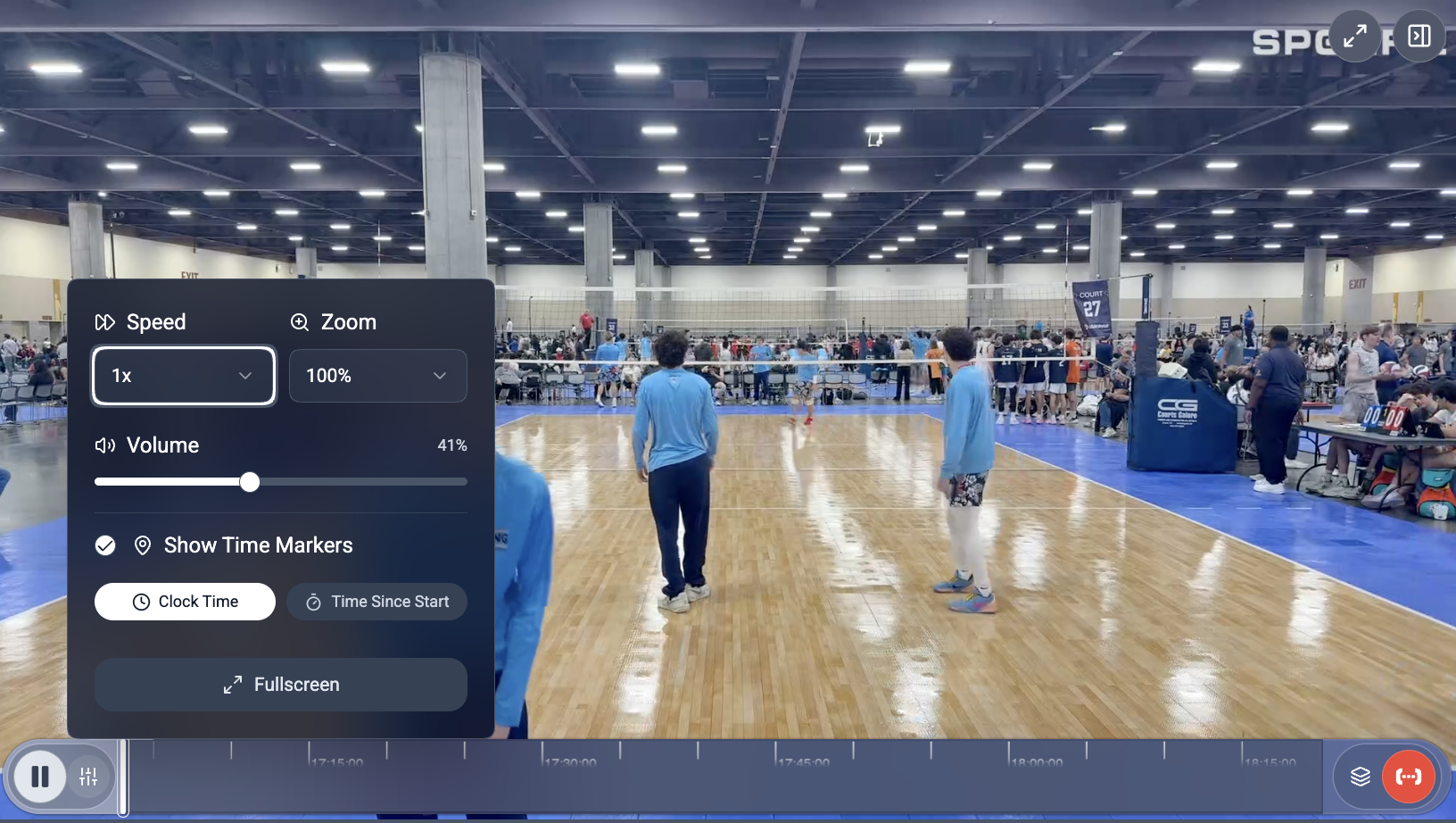
A timeline that tells the match
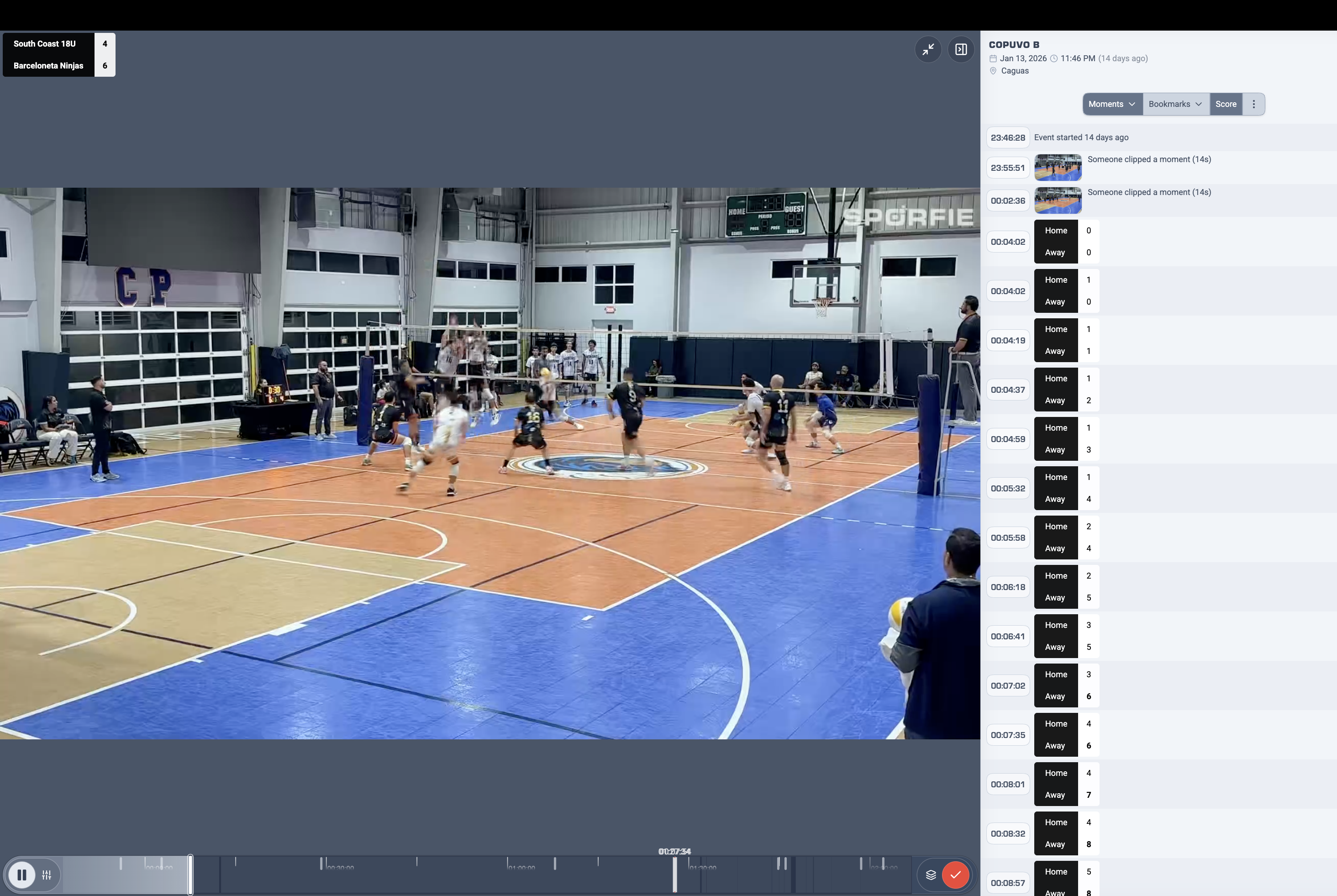
The timeline doesn’t just show duration: it highlights key moments, score changes, and synced photos. A quick glance to understand what happened.
- Color markers by moment type (goal, play, save)
- Photo indicators on the timeline
- Thumbnail preview on hover
- Timeline zoom for precise navigation
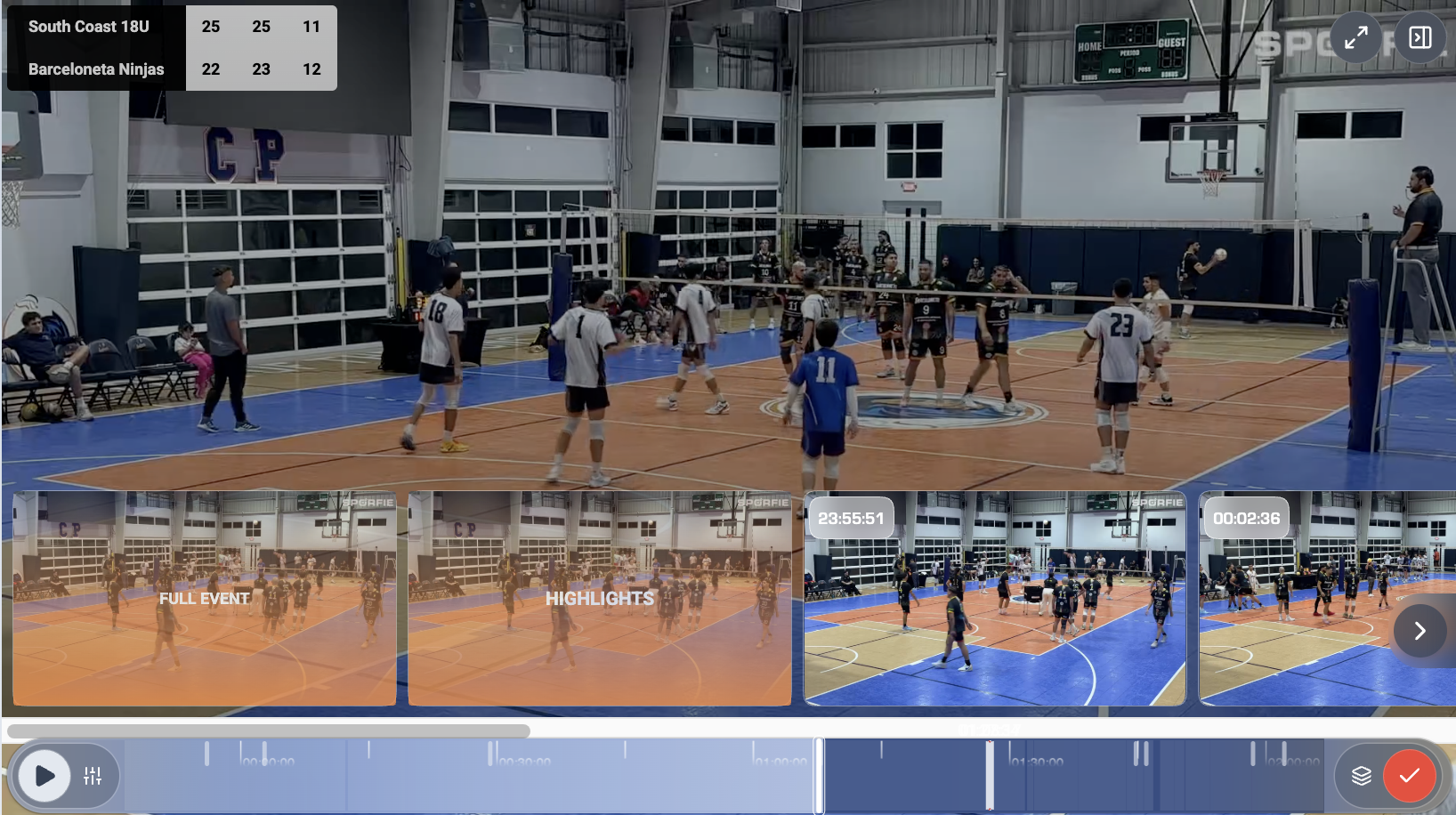
Visual moments gallery
Don’t want to scroll the whole match? Open the visual gallery and browse all captured moments like photos. Click one to jump directly to that point in the video.
- Grid view of all moments
- Filter by tag (goal, save, play)
- Chronological or importance sorting
- Click → jump to that moment in the video
Personal bookmarks
While watching, you can save personal bookmarks on points you care about. You’ll find them in your list and return anytime.
- Save with a tap during viewing
- Optional personal note
- List accessible from your profile
- Synced across all devices
During live streams
The player offers special features during live broadcasts for an experience that rivals professional broadcasters.
🔴 LIVE indicator
Always clear whether you’re watching live or delayed, with the option to "return to live".
⏪ Instant rewind
Jump back 10, 30, or 60 seconds to rewatch a play without missing the live stream.
📊 Live scoreboard
Score always updated as an overlay, synced with the action.
Watch anywhere, continue anywhere
The player remembers your position. Start watching on your phone at lunch, continue on TV at home.
📱
iPhone & Android
💻
Web browser
Apple TV
📺
Chromecast
Gestures and shortcuts
On mobile
Double tap left/right to skip 10 seconds. Vertical swipe for volume. Pinch to zoom on the action. Designed for one-handed use.
On desktop
Arrow keys to navigate, space to pause, F for fullscreen. M for mute, numbers to jump to video percentages. All the shortcuts you expect.
Try the Sporfie experience
Download the app and discover a new way to enjoy sports video.